
Cart is empty



Please sign in so that we can notify you about a reply
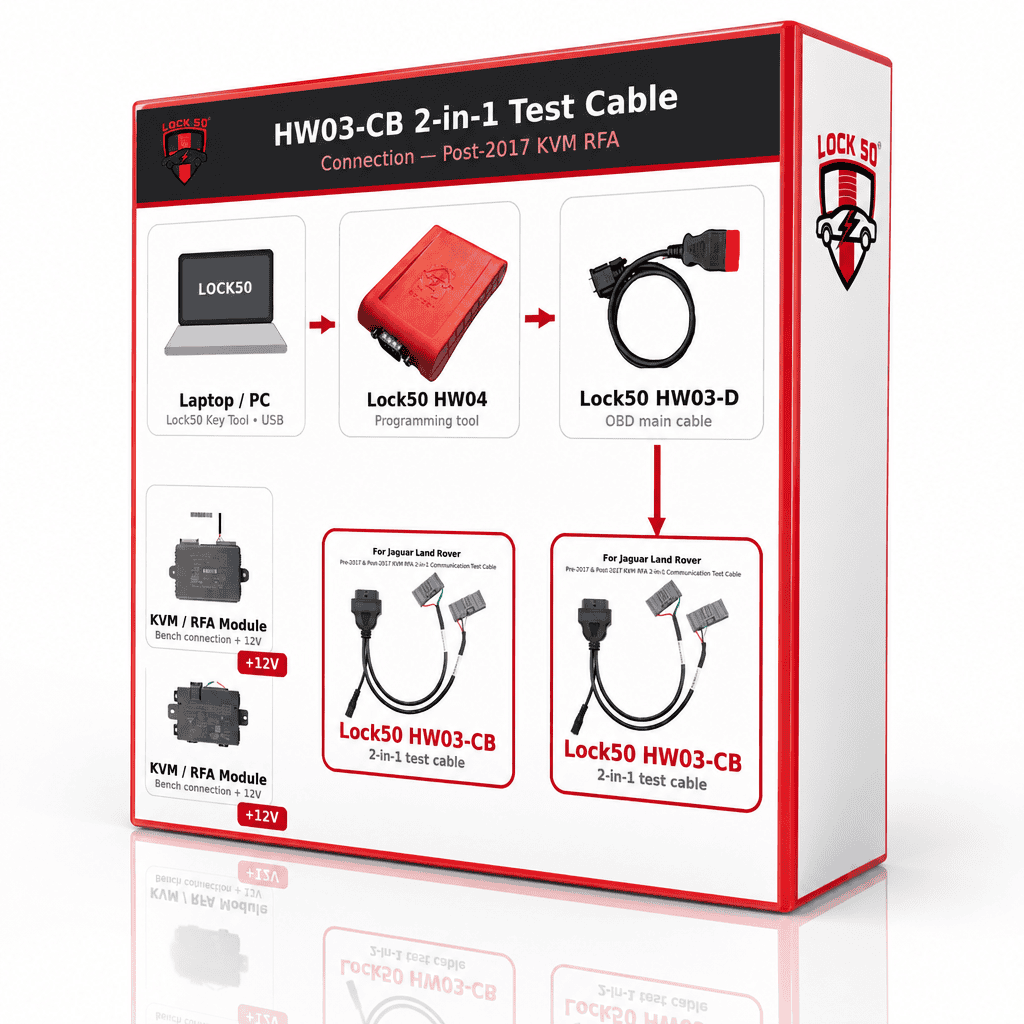
Two ways to use it
| Where | What the HW03-CB does |
|---|---|
| In the car | With the 12V battery powering it, connect the cable and arm off (alarm off) and copy a key in the vehicle — the same job as the HW03-C. |
| On the bench | When the KVM or RFA is out of the car, power it from the 12V battery and test the module, update firmware, write the VIN and program it — no car and no external supply needed. |
On the bench — what you can do (locked vs unlocked module)
| Module state | What the software does over the cable |
|---|---|
| Locked module (KVM or RFA still locked) |
Read DTC, clear DTC and copy keys. Read & clear the fault codes and live data with SW20, then copy keys with SW34 (KVM) or SW35 (RFA). No need to open the KVM or RFA. |
| Unlocked module (new / virgin / unlocked) |
Upgrade / flash the firmware (module flashing), write the VIN to a new unit (SW21 VIN programming for GWM / BCM / KVM / RFA / ABS) and copy keys if needed (SW34 / SW35). No need to open the KVM or RFA. |
Software (SW) that runs over the cable
Every function runs with your HW04 over the HW03-CB cable, straight onto the KVM or RFA on the bench — nothing is opened. Click a title to open its software page in a new tab.

SW20 — read & clear DTC + live data

SW34 — KVM key copy

SW35 — RFA key copy

SW21 — VIN programming (GWM / BCM / KVM / RFA / ABS)

SW27 — module flashing (CAN)
On the bench — what a copied key can do
| Module | After copying on the bench |
|---|---|
| KVM | All keys work in full after copying. |
| RFA PS-fob (no UWB) | Works in full after copying. |
| RFA with UWB (locked) | Remote and emergency start only (emergency start via the IAU). For a fully keyless key you must copy it in the vehicle with the HW03-C. |
⚠️ Good to know
- Bench functions (test / firmware / VIN / program) are for a new, virgin or unlocked unit and cover KVM / RFA up to 2026. Bench key copy covers KVM 2010 to 2024 and locked RFA 2017 to 2020.
- Immobilising (marrying) in the car is only needed for a new KVM / RFA. The car’s own locked unit is copied on the bench without opening it — plug it back in and all keys work, no immobilising or repair.
- A UWB keyless key can only be made fully keyless in the vehicle with the HW03-C — not on the bench.
How the bench job works
| Step | What you do |
|---|---|
| 1 | Take the RFA or KVM out of the car and put it on the bench. |
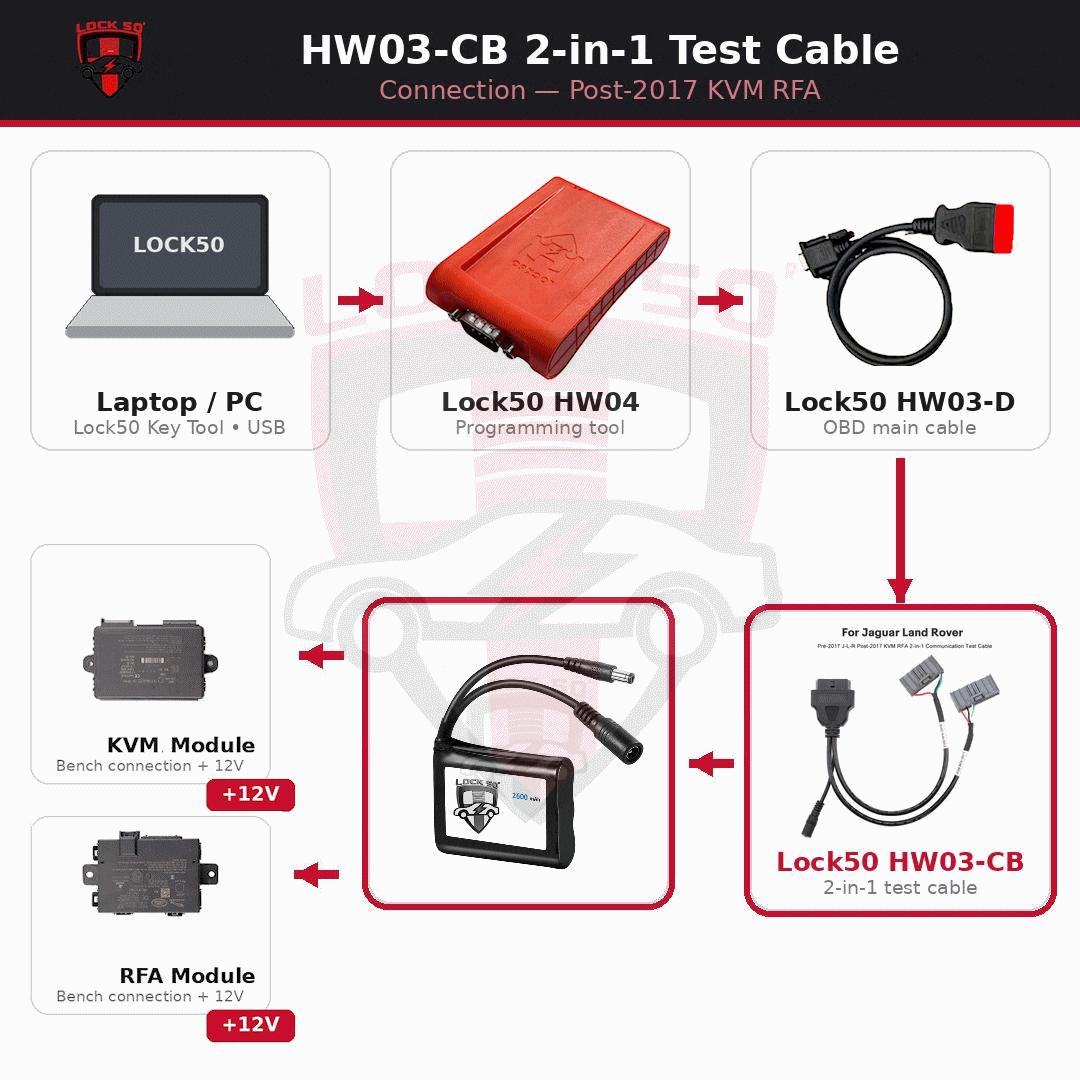
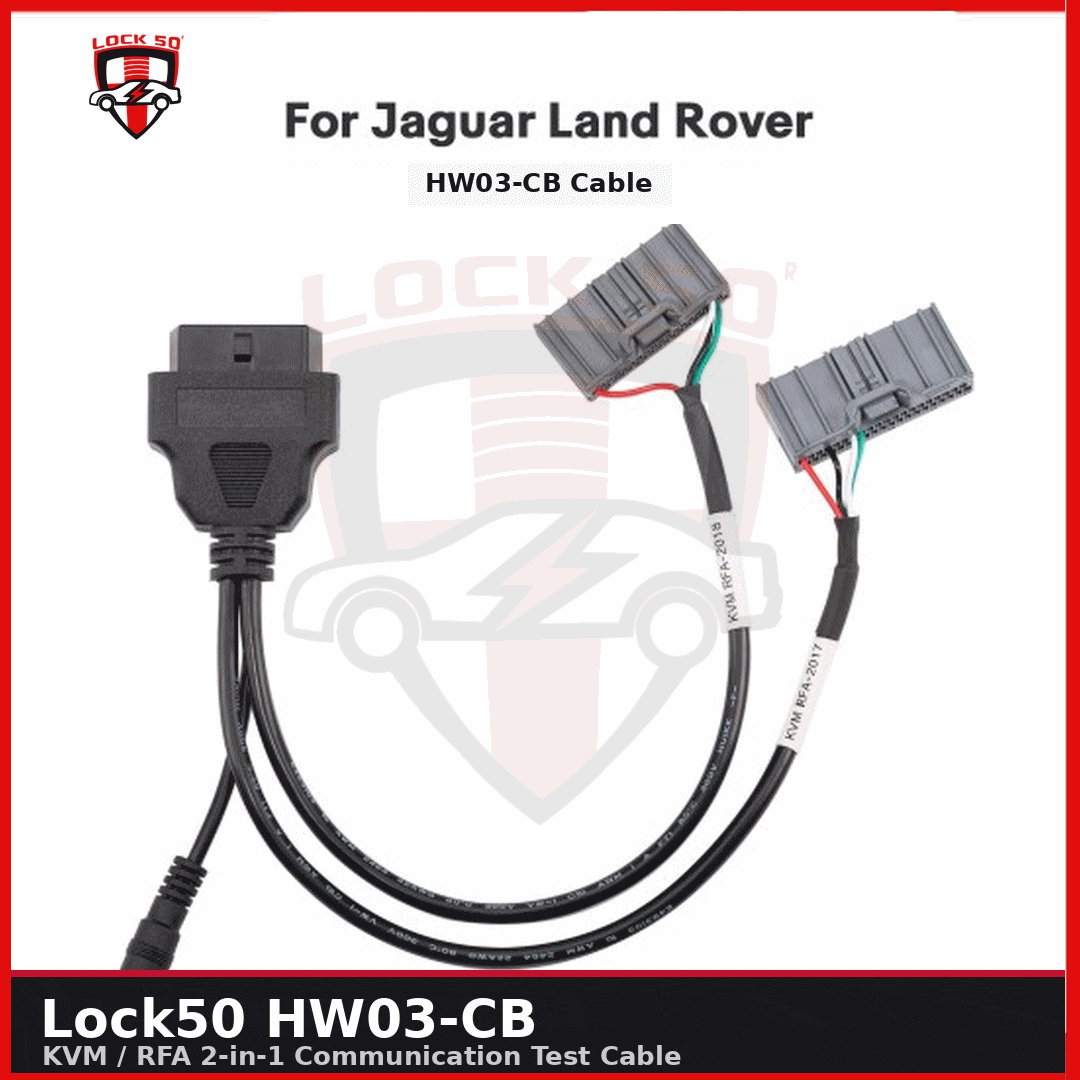
| 2 | Plug the module straight onto the HW03-CB cable — the right connector is already on the cable (KVM and RFA both), nothing else to fit. |
| 3 | Power the module from the 12V rechargeable battery — no car, no external supply. |
| 4 | Connect your Lock50 HW04 (via the HW03-D OBD cable) to the HW03-CB. |
| 5 | Test the module, update firmware, write the VIN and program the unit (new / virgin / unlocked, up to 2026). |
| 6 | Fit the unit back in the car. The car’s own locked unit works straight away, all keys working — no immobilising or repair. Only a new KVM / RFA has to be immobilised (married) to the vehicle. |
What's in the kit
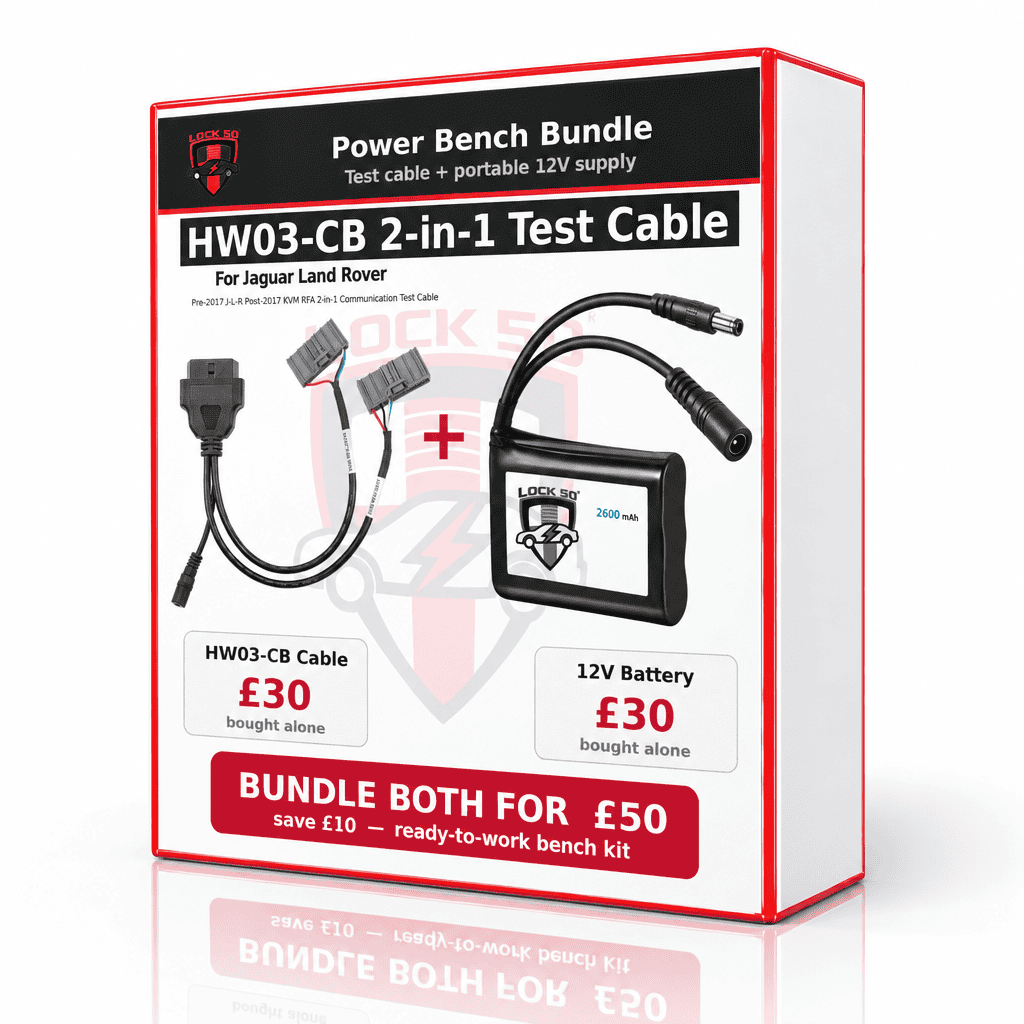
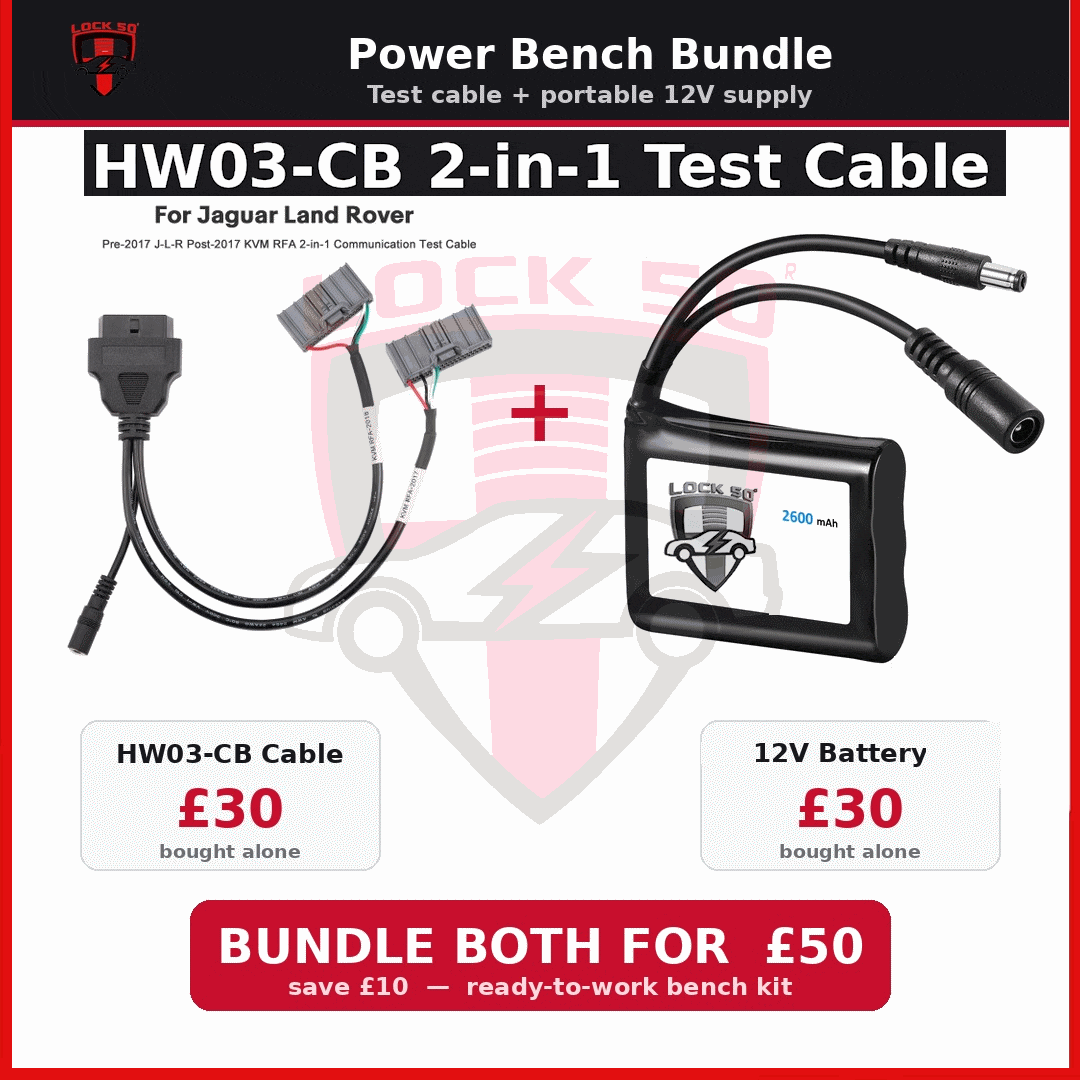
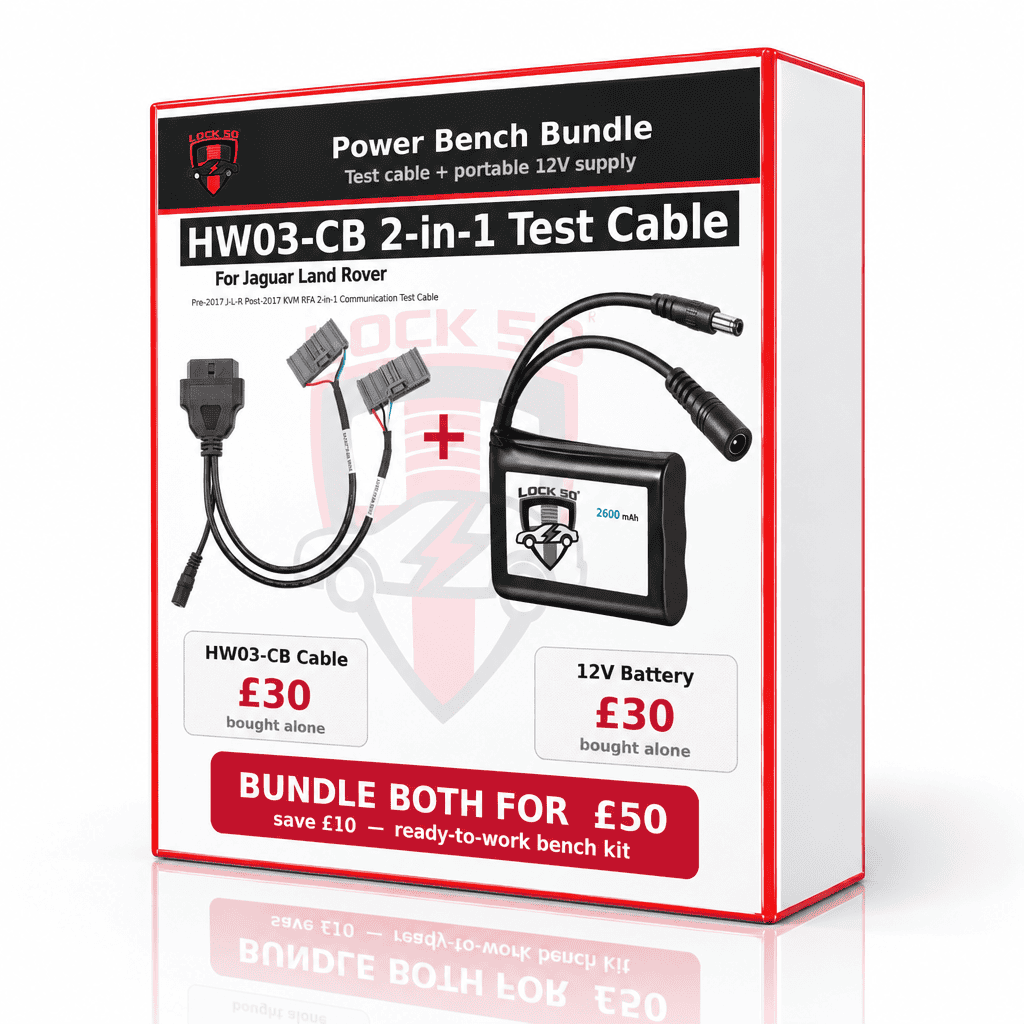
- HW03-CB 2-in-1 test cable — one cable with the OBD plug and both the KVM and RFA module connectors already wired on, plus a 12V power input. No separate adapters to fit.
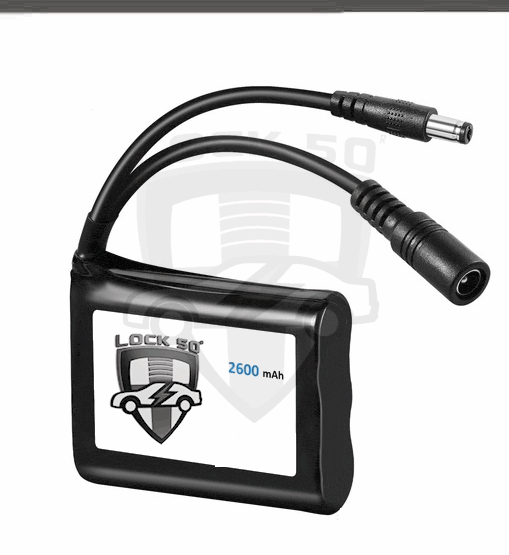
- 12V rechargeable battery — powers the module in the car or on the bench, no external supply needed.
- Runs with the Lock50 HW04 (via the HW03-D OBD cable).
Lock50 emulator keys
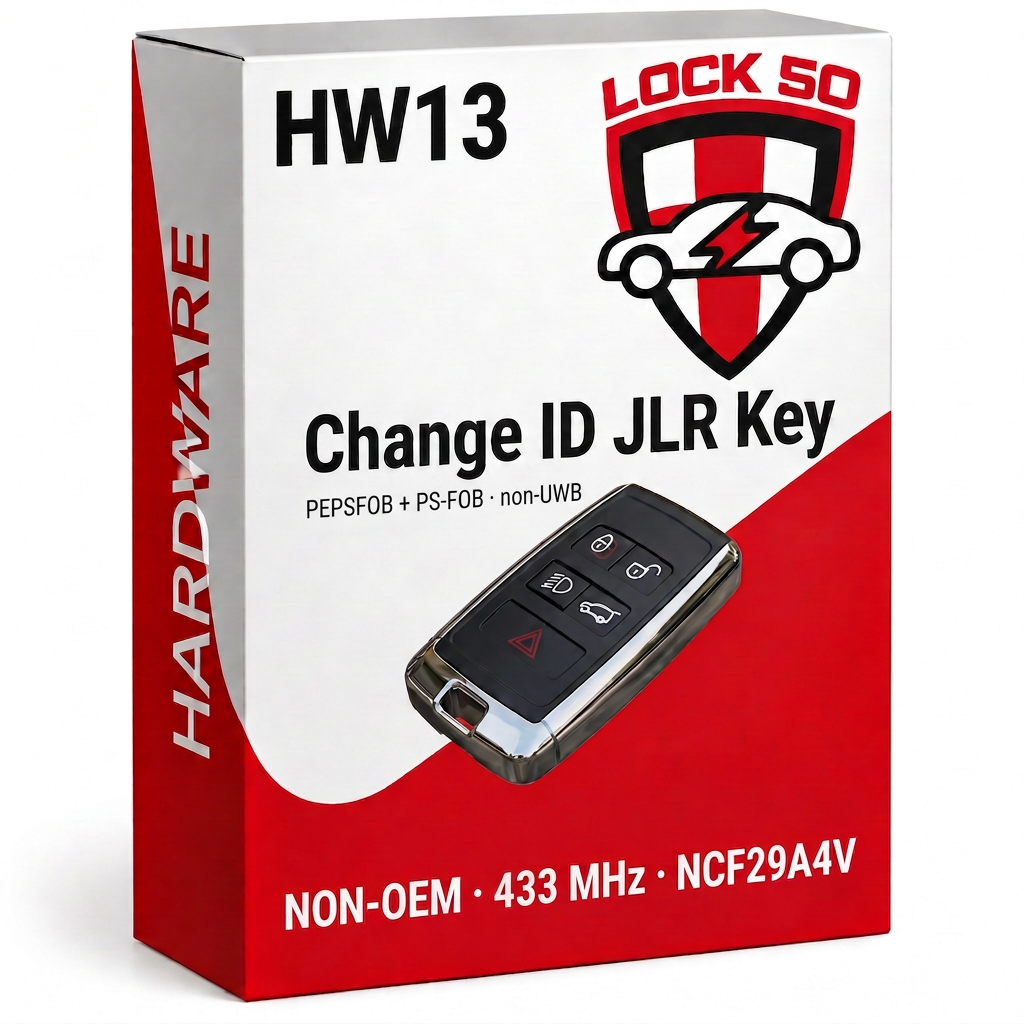
Order the cable with the HW13 or HW14 or the HW05 to HW10 keys and copy keys. For a fully keyless UWB key, copy it in the vehicle with the HW03-C. The Lock50 emulator keys:

HW05 — 433 MHz PCF7953 key

HW06 — 315 MHz key

HW07 — 433 MHz Range Rover key

HW08 — 315 MHz Range Rover key

HW09 — 433 MHz Jaguar key
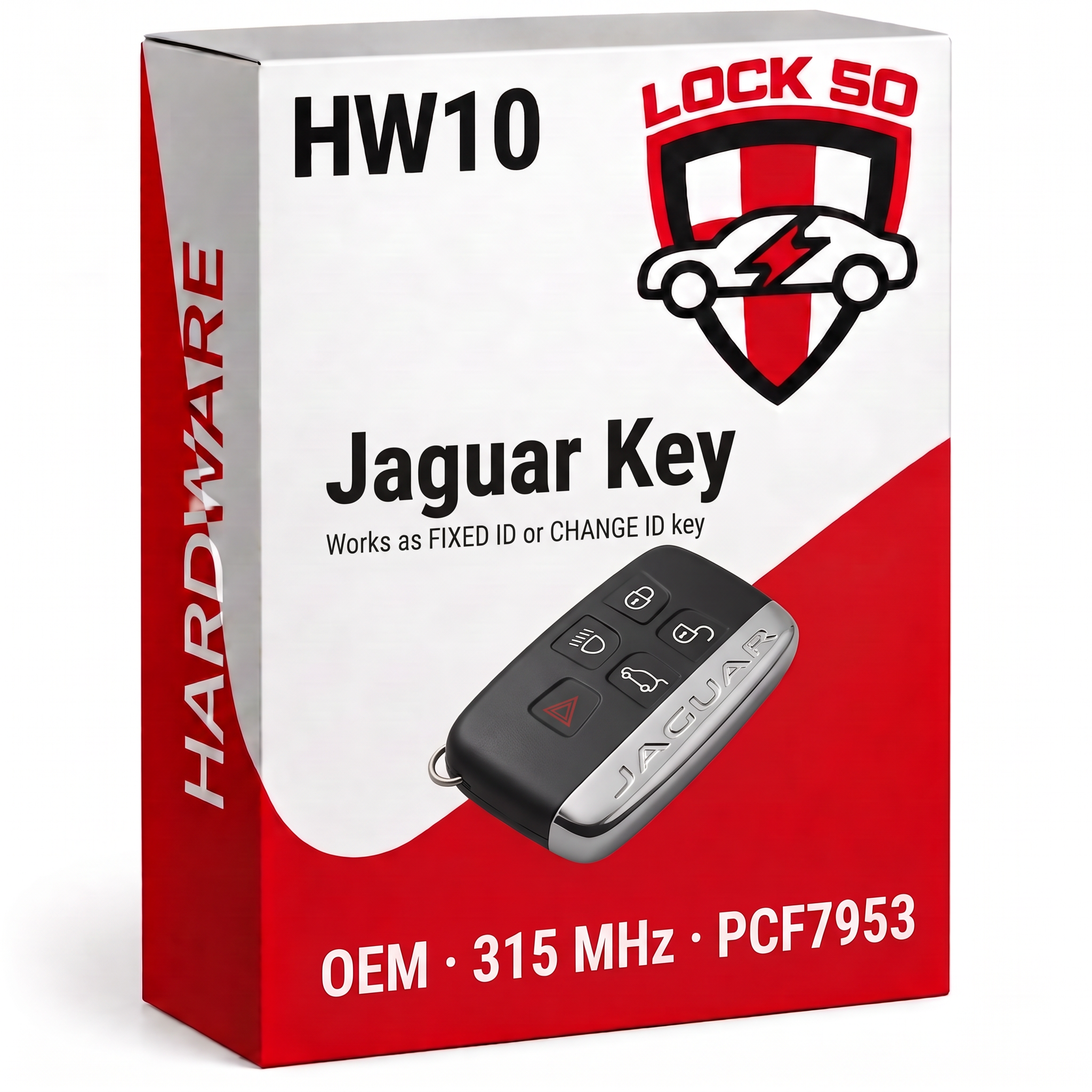
HW10 — 315 MHz Jaguar key

Notes
- One all-in-one 2-in-1 cable — no separate F1, M1 or M2 adapters. The OBD plug and both the KVM and RFA connectors are already wired onto the cable, with a 12V power input.
- Powered by the 12V rechargeable battery, use it in the car (arm off / copy a key) or on the bench (test / firmware / VIN / program).
- Bench: KVM all keys work after copying; RFA PS-fob without UWB works in full; a UWB RFA (locked) gives remote and emergency start only (emergency start via the IAU) unless copied in the vehicle with the HW03-C.
- Bench work (test / firmware / VIN / program) covers up to 2026 and is for a new, virgin or unlocked unit; bench key copy covers KVM 2010 to 2024 and locked RFA 2017 to 2020.
- Immobilising (marrying) in the car is only for a new KVM / RFA; the car’s own locked unit goes straight back in with all keys working.
- Runs with the Lock50 HW04 — HW04-C owners pay no extra to use it.
JLR Tools
