
Cart is empty
Please sign in so that we can notify you about a reply
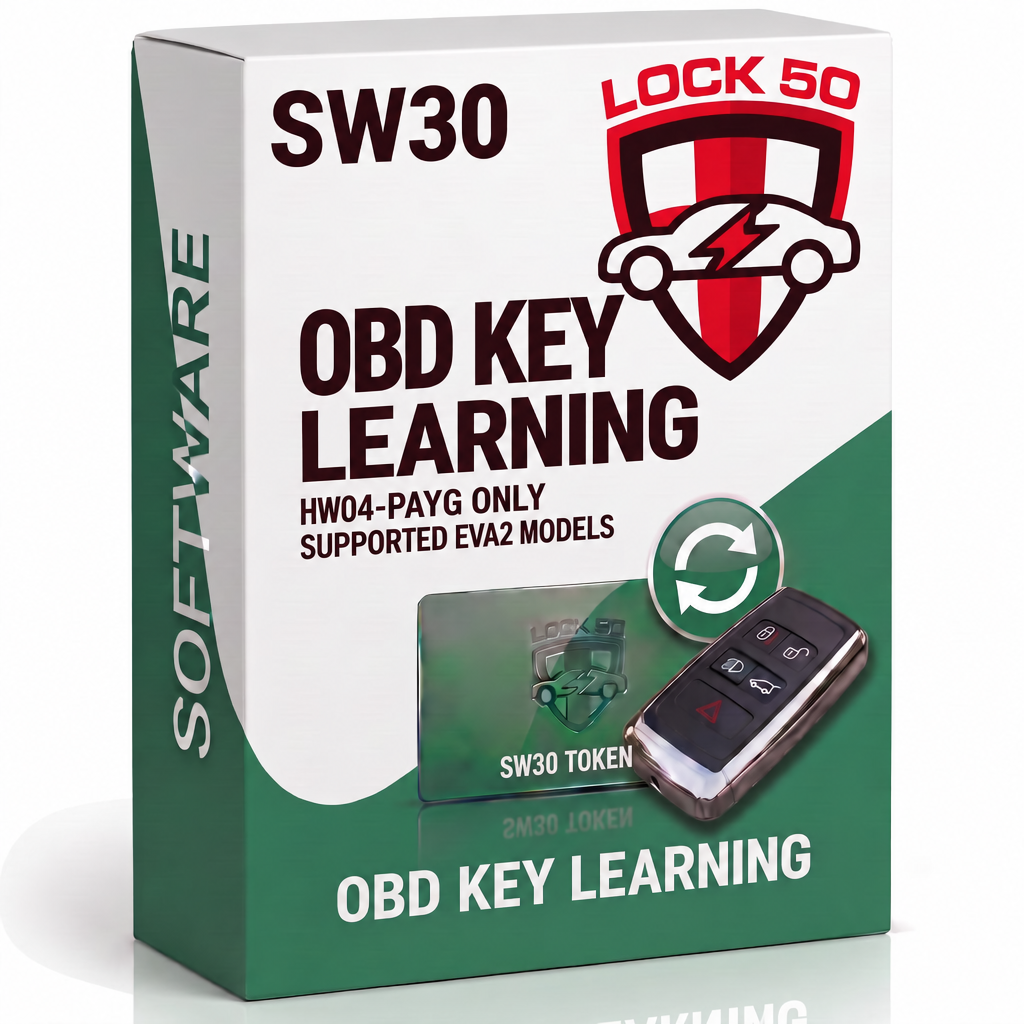
SW30 • HW04-PAYG ONLY • DIGITAL ACTIVATION
Add Keys via OBD — Unlocked KVM/RFA, or Locked RFA on Supported EVA2 with Pivi Pro Only
Learn compatible OEM or non-OEM keys through OBD on unlocked KVM/RFA across all supported Jaguar and Land Rover models, or on eligible locked EVA2 vehicles with Pivi Pro. Choose the right key for the vehicle instead of assuming every job needs a Change-ID copy key.
Who should order this token?
For existing Lock50 HW04-PAYG tool owners only. Enter your existing tool serial number and confirm your PAYG package when ordering. HW04-A, A+, B, C and C+ already include SW30, subject to their licence and vehicle requirements; those owners do not need to buy this token.
This is an SW30 OBD key-learning token, not an SW36 key-copying token, a tool upgrade or permanent access. It does not include physical keys, hardware, RFA replacement, SW26 or SW40.
Price, VAT and delivery
| Job and key allowance | Ex-VAT | UK including 20% VAT | Earned points |
|---|---|---|---|
| Locked EVA2 / Pivi Pro — 1 key / one vehicle | £600 | £720 | 600 points |
| Locked EVA2 / Pivi Pro — 2 keys / one vehicle | £700 | £840 | 700 points |
| Unlocked KVM/RFA — 1 key / one vehicle | £300 | £360 | 300 points |
| Unlocked KVM/RFA — 2 keys / one vehicle | £350 | £420 | 350 points |
EVA2 is the default selection. Unlocked KVM/RFA jobs cost half the corresponding locked-EVA2 token price. For eligible retail purchases, earned points match the selected price in GBP before VAT; selected urgency charges increase both the price and earned points by the same amount. Points are not a cash refund. Existing account and discount rules apply. Activation urgency charges are additional where selected. UK VAT is added at 20%; outside the UK no UK VAT is charged under the store's existing tax settings. Digital/downloadable licence item: no physical shipment and no shipping charge. Activation applies to the tool serial supplied; this is not a downloadable key file.
Check eligibility before ordering
- Choose unlocked KVM/RFA for an unlocked module on any supported model, or locked EVA2 for an eligible EVA2 vehicle with Pivi Pro. A supported module configuration and compatible key of the correct frequency are required. The unlocked option does not unlock a locked module.
- For the locked-EVA2 direct-learning route, RFA Check Keys must detect two working keys together in the vehicle, OR service mode must be active. Supported unlocked-module jobs follow their normal vehicle/key-learning requirements; do not apply the locked-EVA2 condition to every unlocked vehicle. Two stored key slots or merely owning two fobs is not a passed detection check.
- Service mode does not override UWB/key compatibility. Buying a token does not unlock every RFA, bypass gateway access requirements or make an unsupported vehicle compatible.
- If unsure, confirm the vehicle, RFA/BCM configuration and intended key with Lock50 before ordering.
Choose the correct key-learning route
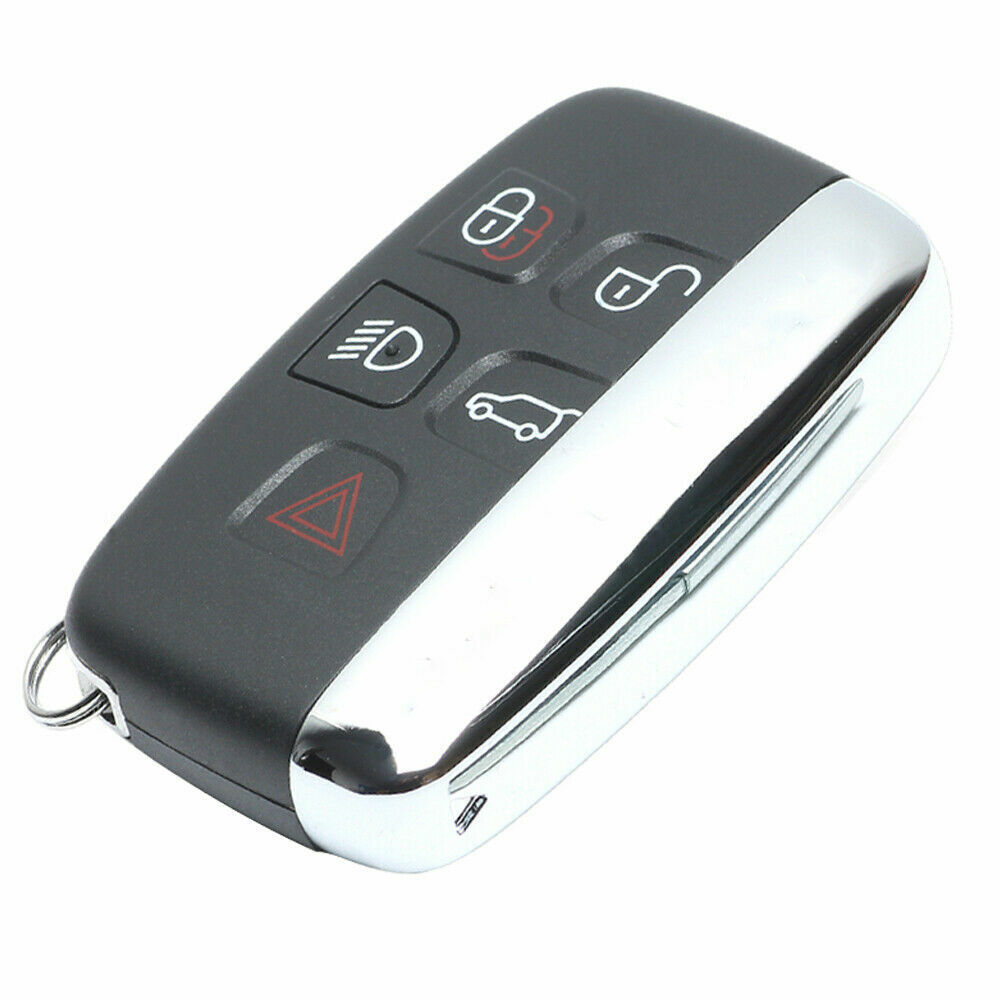
Includes keys emulating PCF7953.
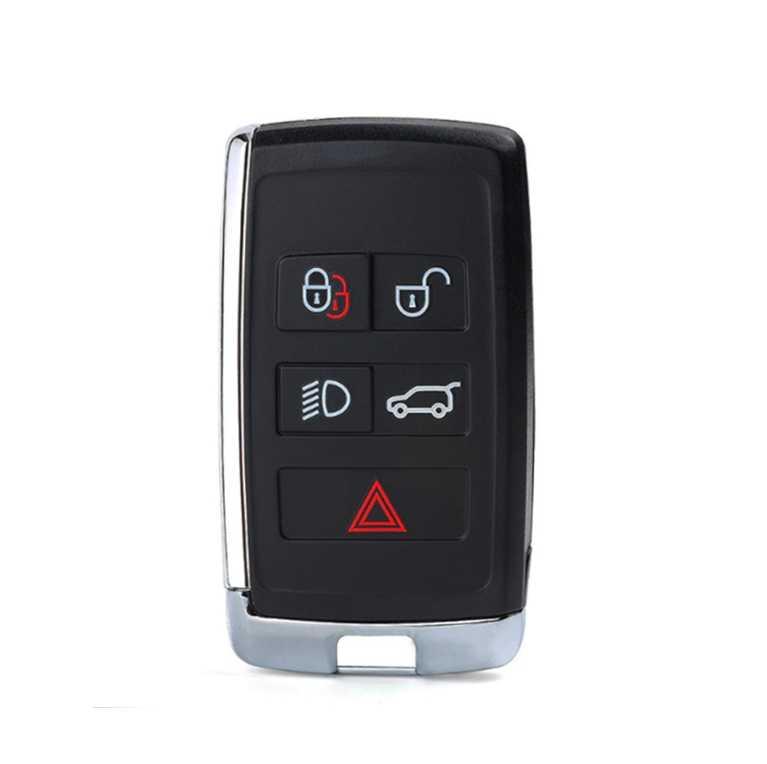
Fixed-ID, Change-ID and UWB variants differ.
Unlocked KVM/RFA: use the unlocked-job selection for normal OBD learning on supported unlocked modules. The EVA2/UWB-specific routes below do not impose an EVA2 or Pivi Pro requirement on all unlocked vehicles.
Choose the cable — KVM: D only / RFA: D or E
KVM always requires the HW03-D dual-CAN cable. For RFA jobs, use HW03-D or HW03-E, following the supported vehicle connection and your tool licence. Cable choice does not remove the locked-RFA eligibility requirement: supported EVA2 with Pivi Pro only.
 HW03-D
 HW03-E
| Module / job | HW03-D dual-CAN cable | HW03-E DoIP cable |
|---|---|---|
| KVM | Must use D cable | Do not use for KVM |
| Unlocked RFA | Can use D cable | Can use E cable |
| Locked RFA — supported EVA2 with Pivi Pro only | Can use D cable | Can use E cable |
Choose the job first — then choose the key
First check whether the KVM/RFA is unlocked or locked. Next check UWB and automatic approach/walk-away functions. Use the correct frequency (433 MHz or 315 MHz) and a key compatible with the exact vehicle. All keys listed here are fixed-ID learning keys, not Change-ID copying blanks.
1. Add Keys to an Unlocked KVM or RFA — All Supported Vehicles
What to do: choose the unlocked KVM/RFA job, select the matching key below, then run the normal supported SW30 OBD add-key procedure. This route does not require EVA2 or Pivi Pro. Do not apply the locked-EVA2 two-key/service-mode condition to an ordinary unlocked job.
| Module / vehicle functions | Which keys to use | What the key provides |
|---|---|---|
| Unlocked KVM | HW05-C / HW06-C — OEM fixed-ID. HW05-D / HW06-D — non-OEM fixed-ID. |
Normal supported KVM learning. These are learning keys, not SW34 Change-ID copying blanks. |
| Unlocked RFA — no UWB | Compatible HW15–HW20. | HW15/HW16 and HW19/HW20 are OEM non-UWB keys. HW17/HW18 are non-OEM keyless-entry/start keys. No automatic approach/walk-away functions. |
| Unlocked RFA — UWB enabled | Compatible OEM UWB HW21–HW26. | Supported keyless entry/start. These are standard UWB keys, not the CTO automatic approach/walk-away range. |
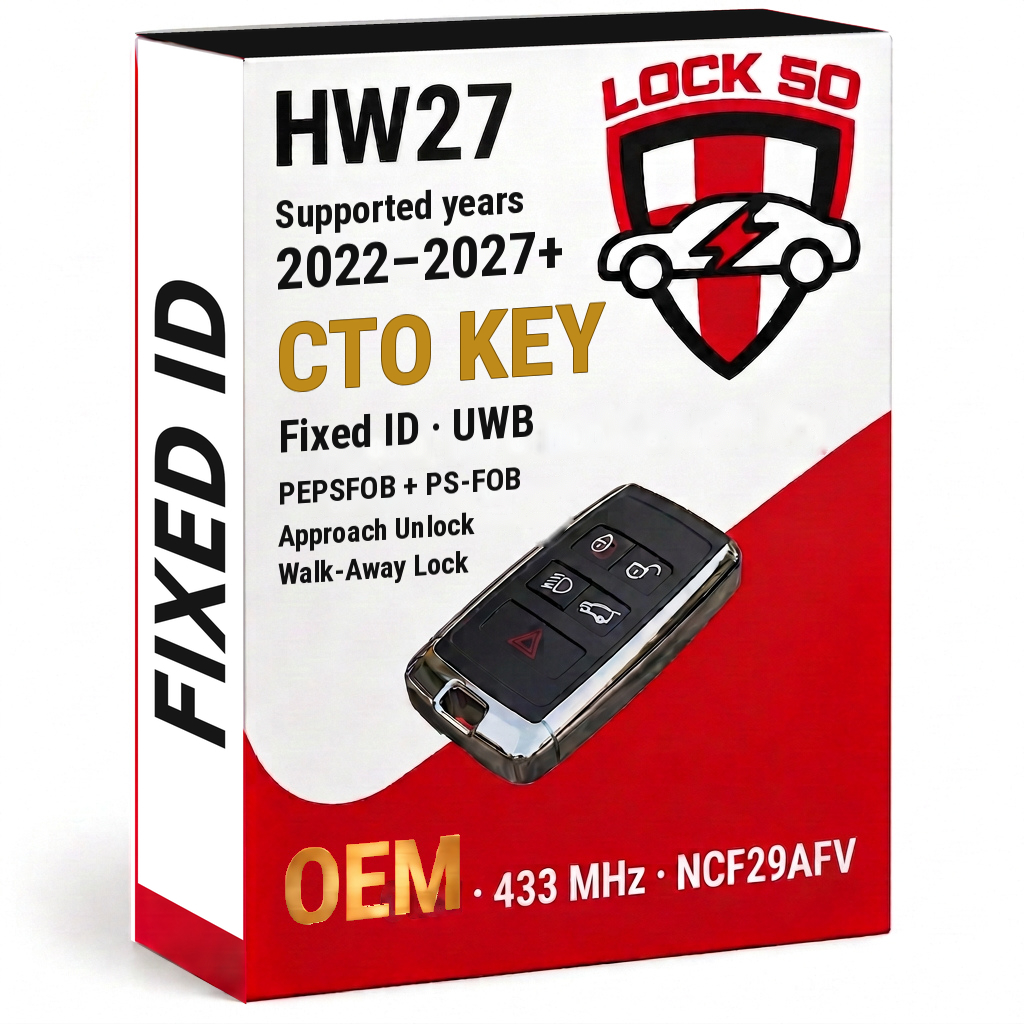
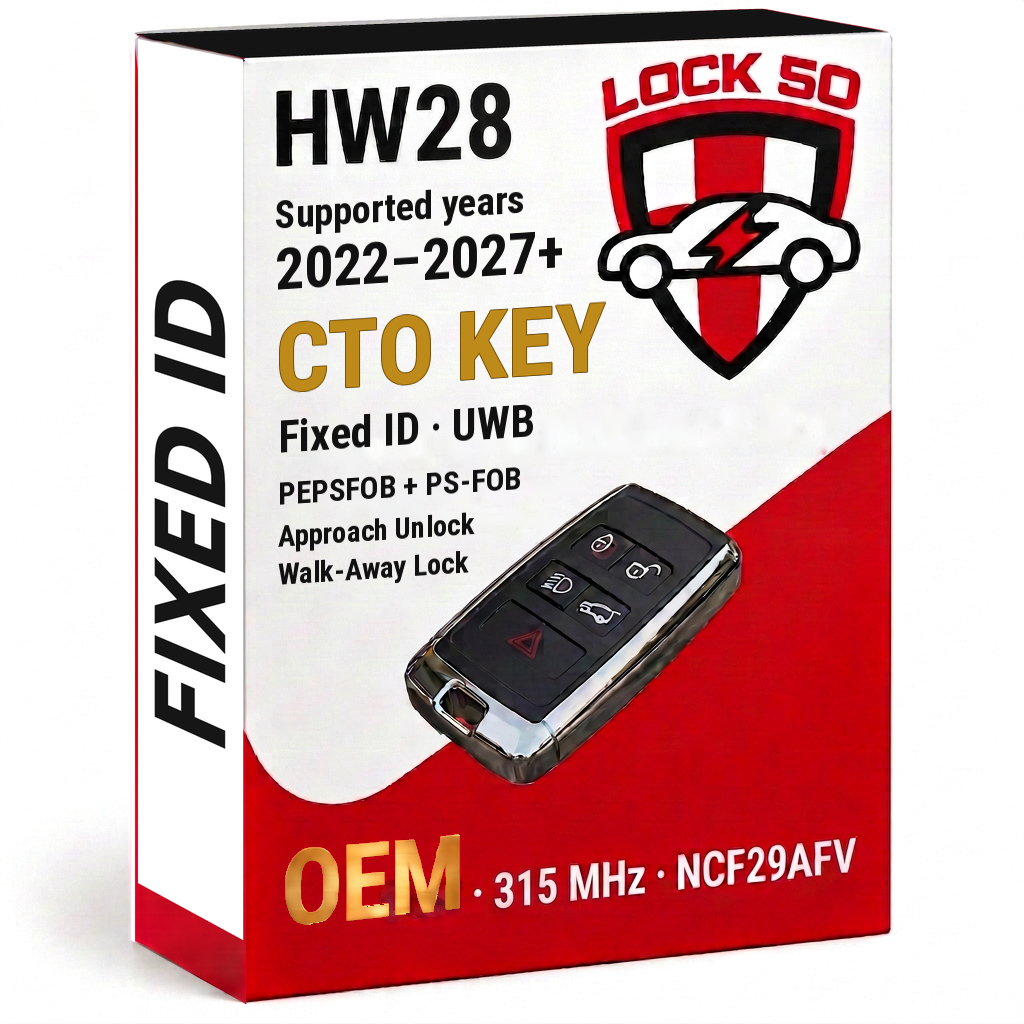
| Unlocked RFA — automatic approach unlocking / walk-away locking | Compatible OEM CTO HW27 / HW28. | Retains the supported automatic functions. The vehicle must have the required hardware and those functions enabled. |
2. Add Keys to a Locked RFA — Possible on Supported EVA2 Vehicles with Pivi Pro Only
Adding keys to a locked RFA is possible on supported EVA2 vehicles with Pivi Pro only. The RFA can remain locked. Choose one of the routes below. For normal direct learning, the car must detect two working keys together through RFA Check Keys OR service mode must be active. Two stored slots or simply owning two fobs is not a passed detection check. This exception does not apply to every locked KVM/RFA.
| Job route | What to do | Which keys / what changes |
|---|---|---|
| A. Add a vehicle-matched key directly | Pass RFA Check Keys with two working keys together in the car OR activate service mode. Then run SW30 OBD learning. | Use the same RFA choices as above: No UWB: compatible HW15–HW20. UWB: compatible OEM HW21–HW26. Automatic approach/walk-away: compatible OEM CTO HW27/HW28. |
| B. Standard OEM UWB key on a CTO-equipped vehicle | Use active service mode, then learn a compatible standard OEM UWB HW21–HW26 through SW30. | Only this newly learned non-CTO key loses walk-away locking. Existing compatible CTO keys retain it; the vehicle setting stays enabled. The learned standard OEM UWB key still locks using the door-handle button or fob button. Choose HW27/HW28 instead to retain automatic approach/walk-away on the new key. |
| C. Cheapest key option after SW36 copying | 1. Complete SW36 copying. 2. Put both working keys inside and confirm RFA Check Keys detects two together. 3. Use SW30 to learn HW17/HW18 as key 3. |
HW17 / HW18 provide supported keyless entry/start, without automatic approach/walk-away. UWB can remain on and the RFA can remain locked for this specific supported route. An SW30 token alone does not replace SW36 copying. Confirm the eligible same-job SW30 benefit before buying a second token. |
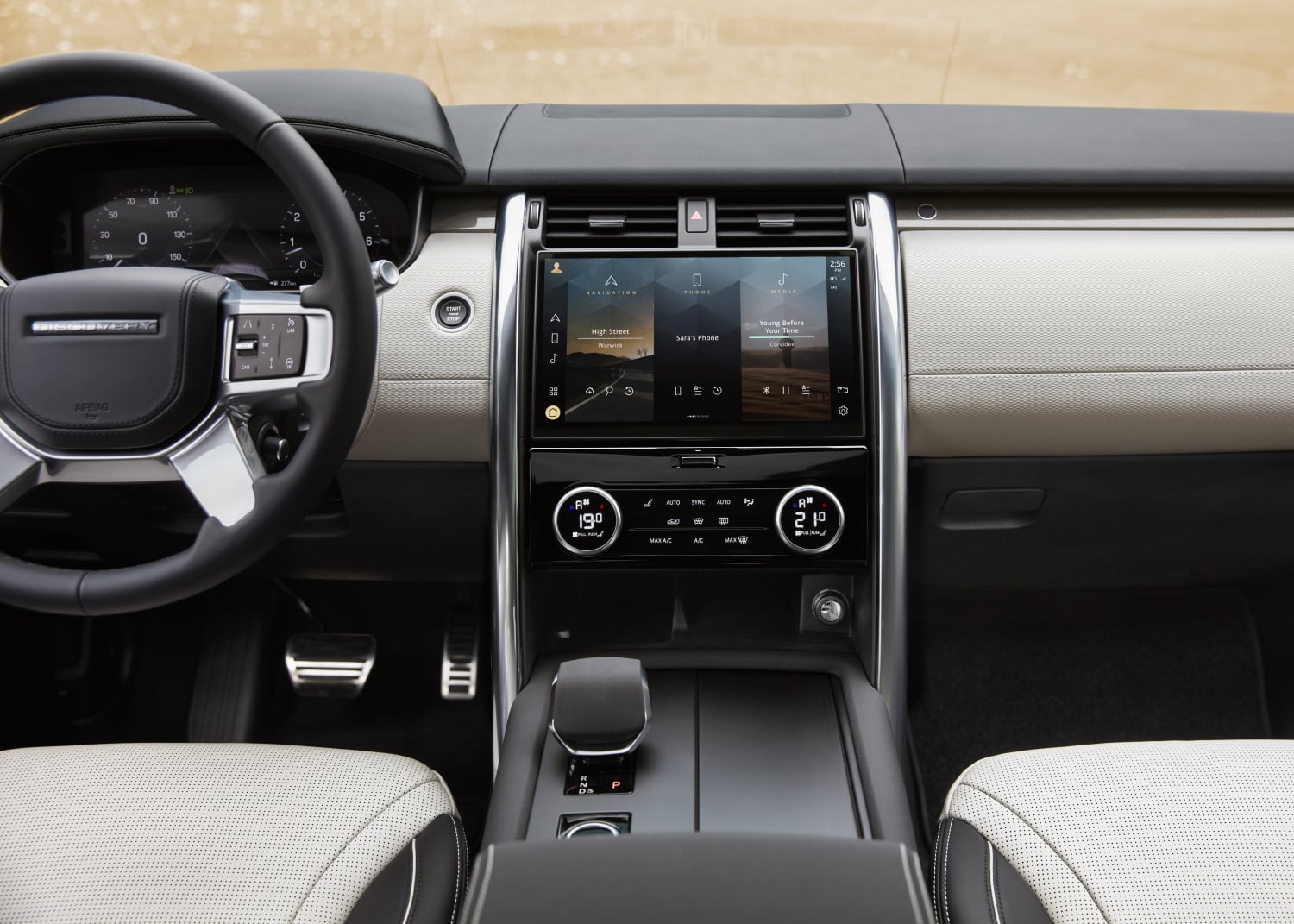
Pivi Pro Required — Locked-RFA Learning on Supported EVA2 Only
SW30 Add Key via OBD supports unlocked KVM/RFA on all supported models at the unlocked-job price. The higher-priced locked-module route and the optional SW36-to-SW30 bonus are limited to supported EVA2 models with Pivi Pro. Other supported models with a locked RFA/KVM use key-copy routes only; this does not restrict key learning on supported unlocked modules.
Do not assume every vehicle of the same model name or year qualifies. Confirm the vehicle configuration, required gateway access, compatible key frequency and the correct learning route before buying. Copying itself remains subject to supported module and key types; an unsupported locked module may need a different repair or replacement route.
Keep these separate from normal add-key jobs
New RFA on a UWB-equipped vehicle: to learn non-UWB HW15–HW20, including HW17/HW18, UWB must be turned off first. This is not the existing locked-RFA SW36 copy-first exception above. Replacement-module and configuration work are not included in this token.
Before starting any route: confirm supported module/gateway access, available key slots, frequency and exact key compatibility. Service mode permits the standard-UWB-on-CTO option described above; it does not make every key compatible. Existing licence, one-vehicle allowance and activation rules stay unchanged. Scroll tables sideways on a narrow screen.
Choose and order a compatible SW30 learning key
These are fixed-ID add/learn keys, not Change-ID copying blanks. Click a current product picture to view the key and order. Match frequency, vehicle, module and required functions before ordering; keys are purchased separately.
Unlocked KVM — fixed-ID keys
HW05-C/HW06-C are OEM; HW05-D/HW06-D are non-OEM. These are for supported unlocked-KVM learning, not the SW34 locked-KVM copying route.
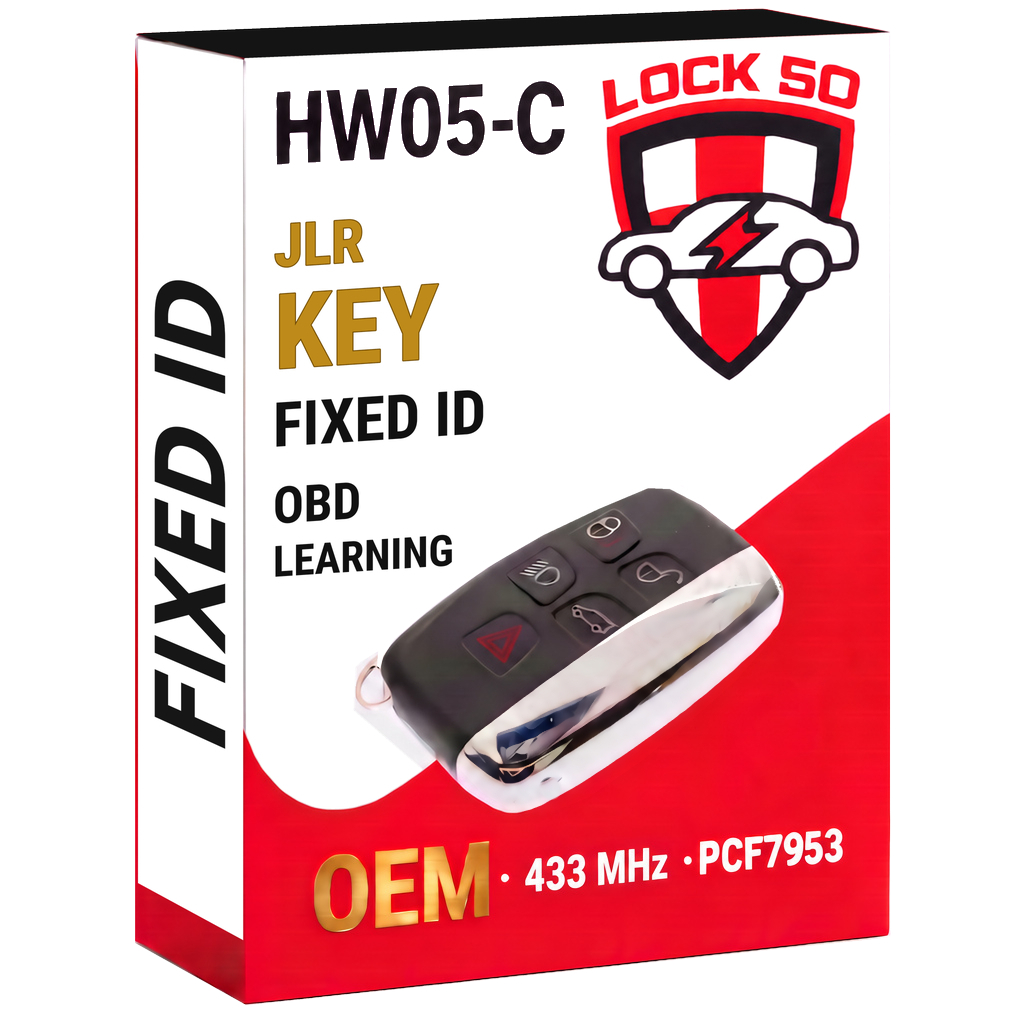


RFA non-UWB learning keys
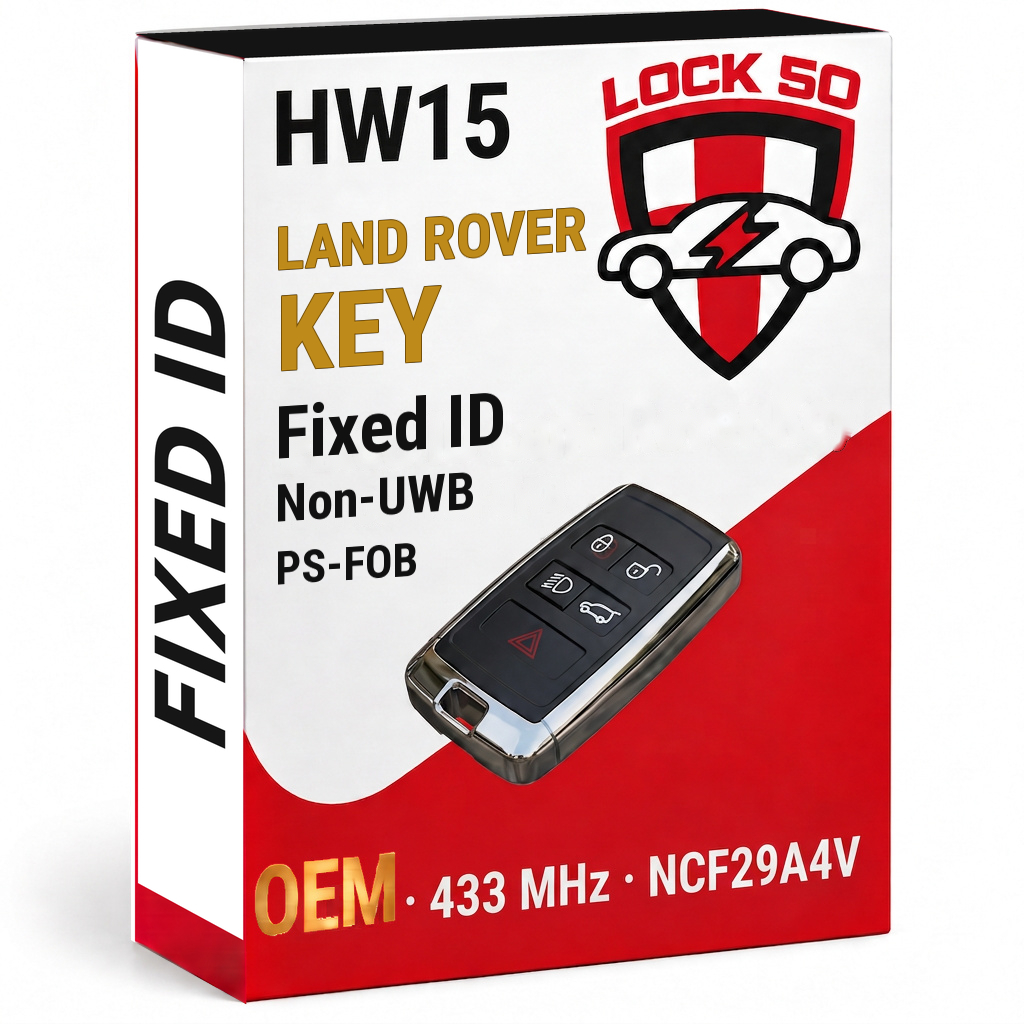
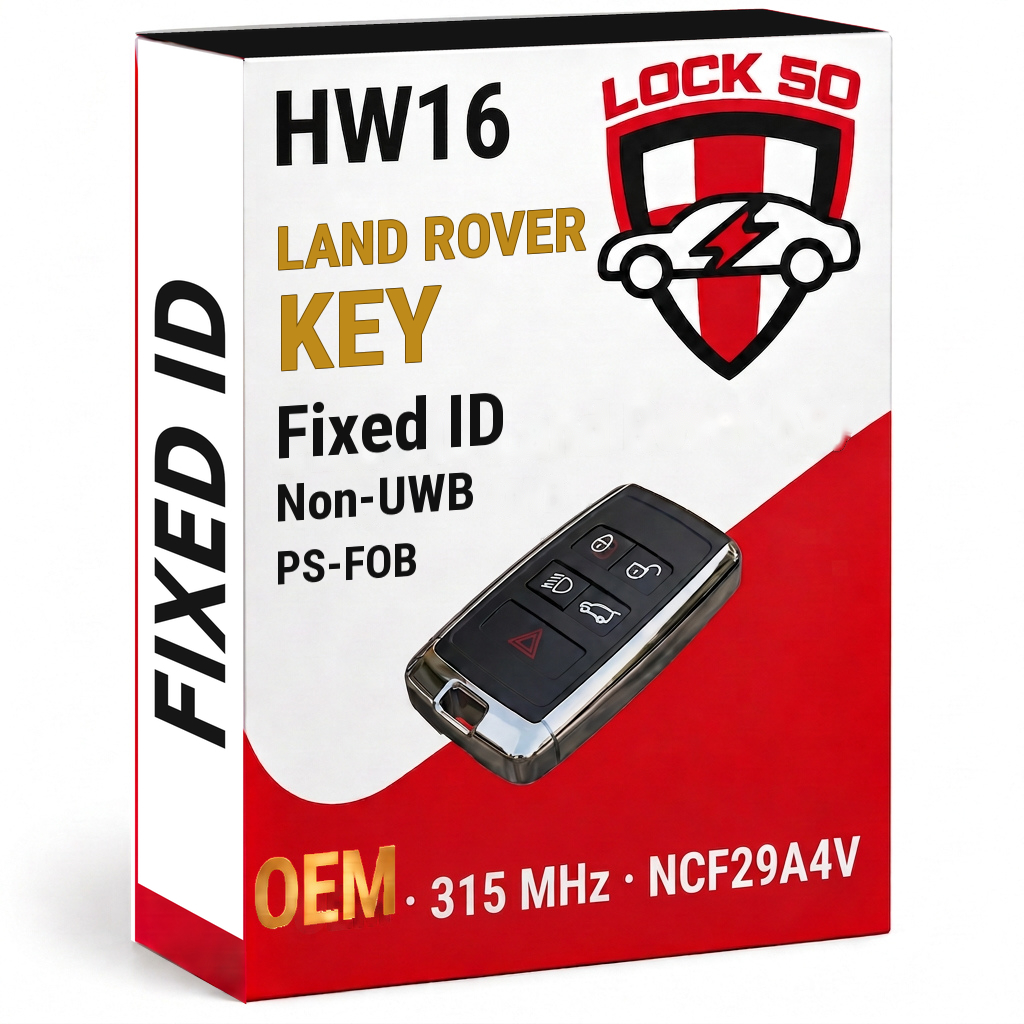
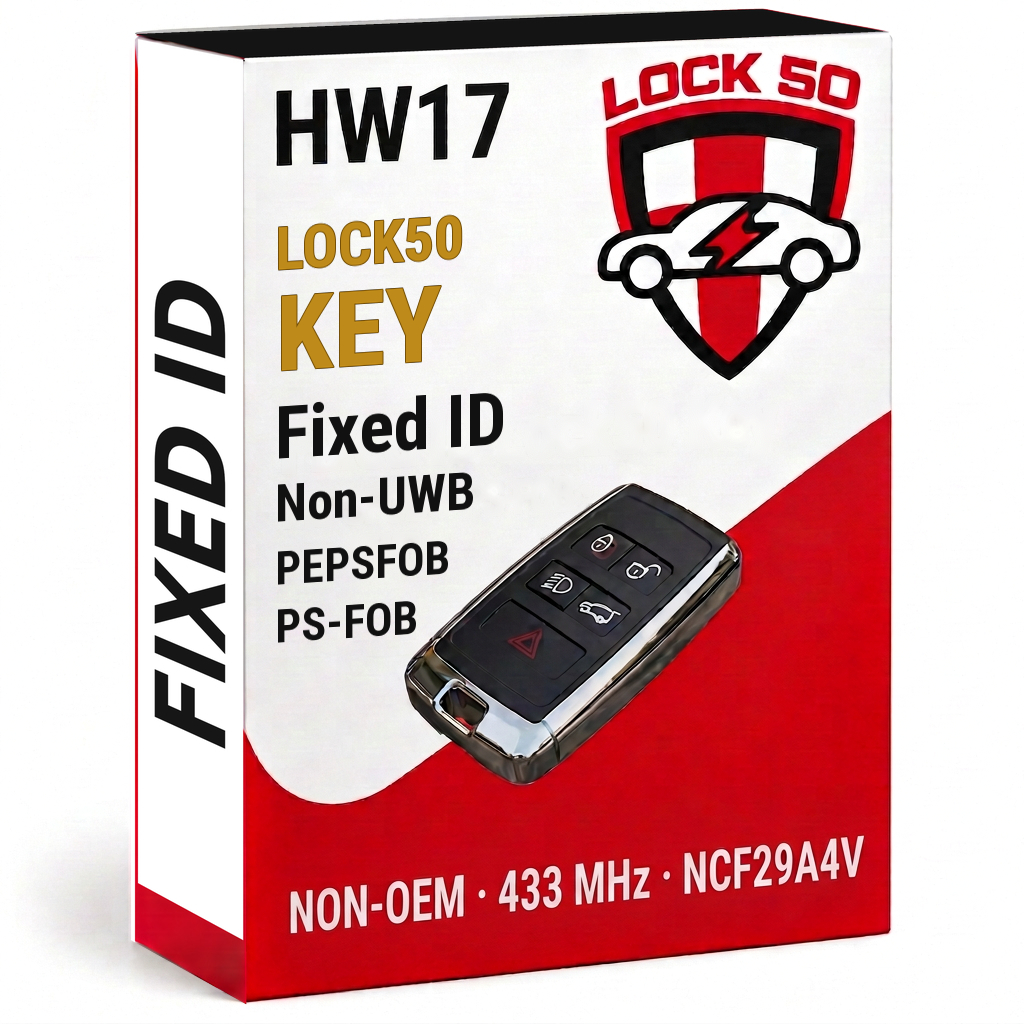
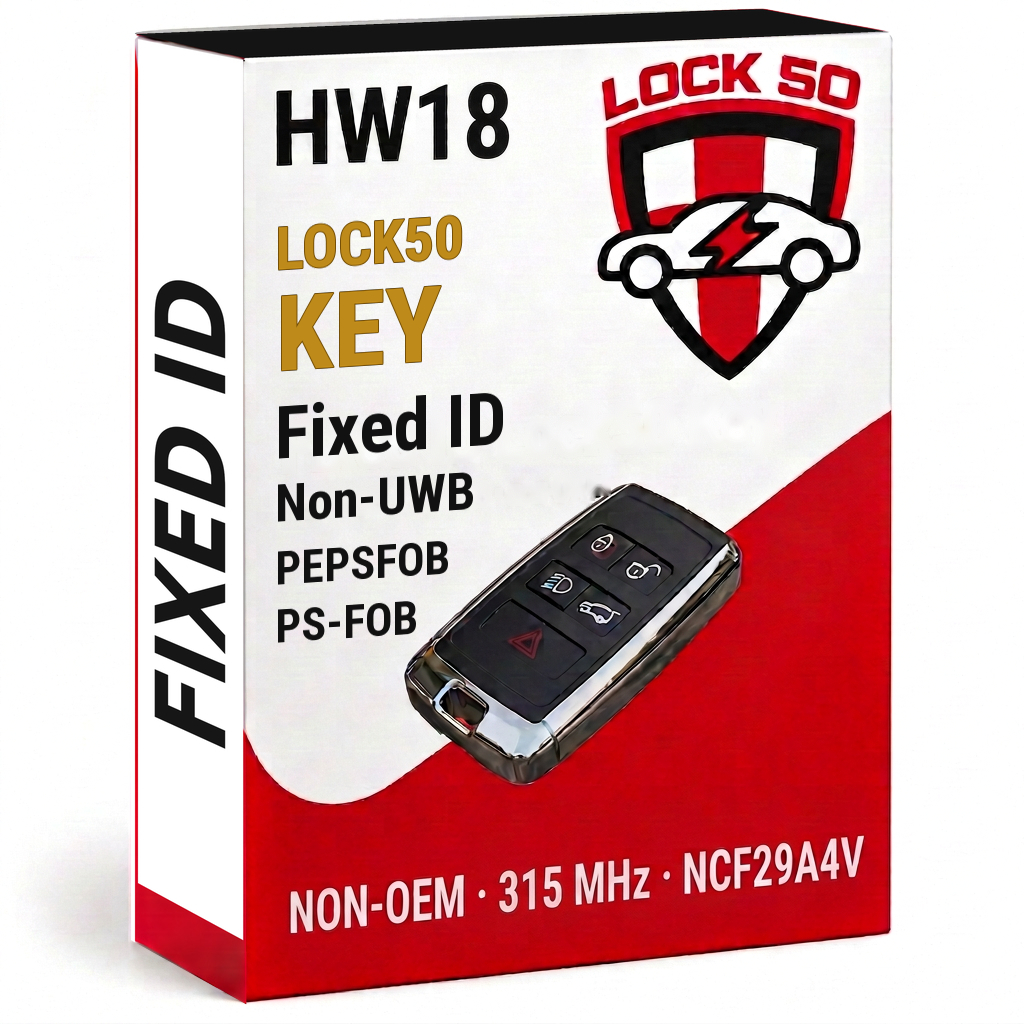
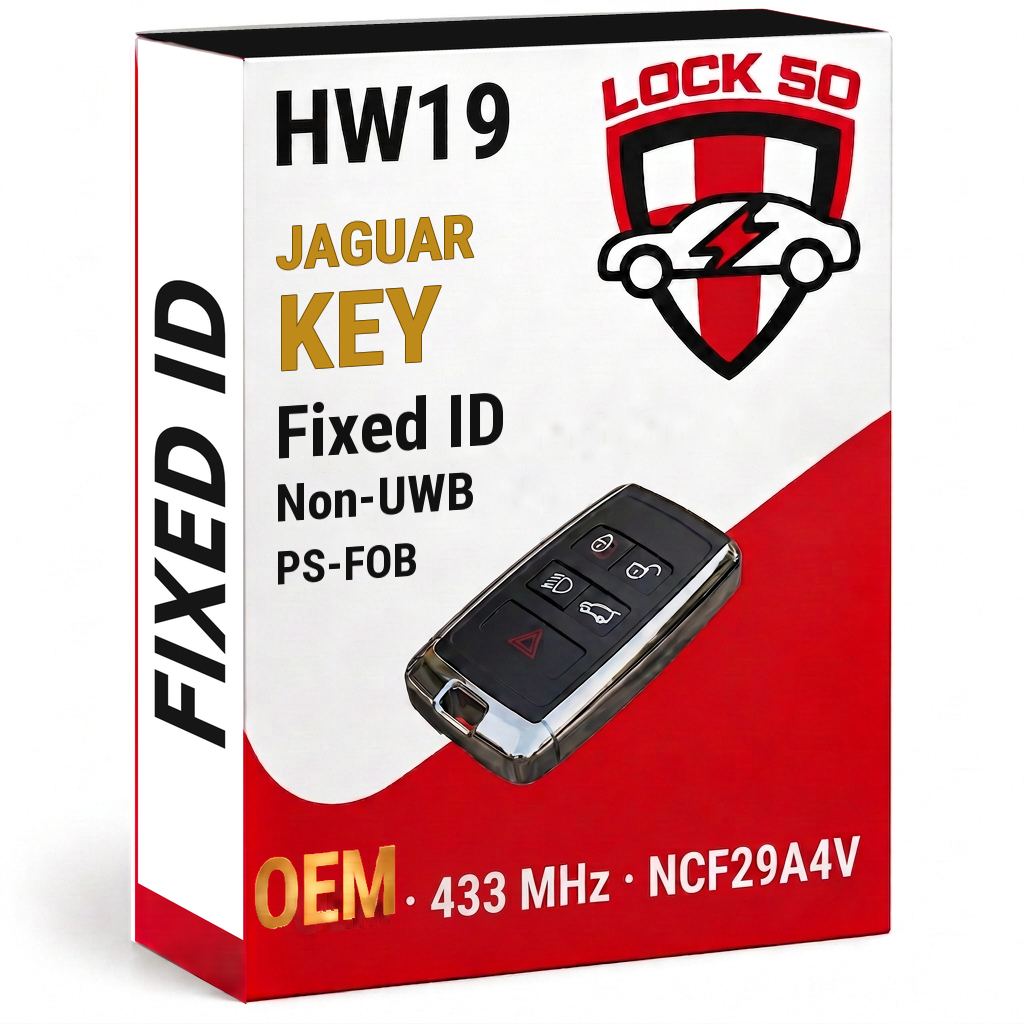
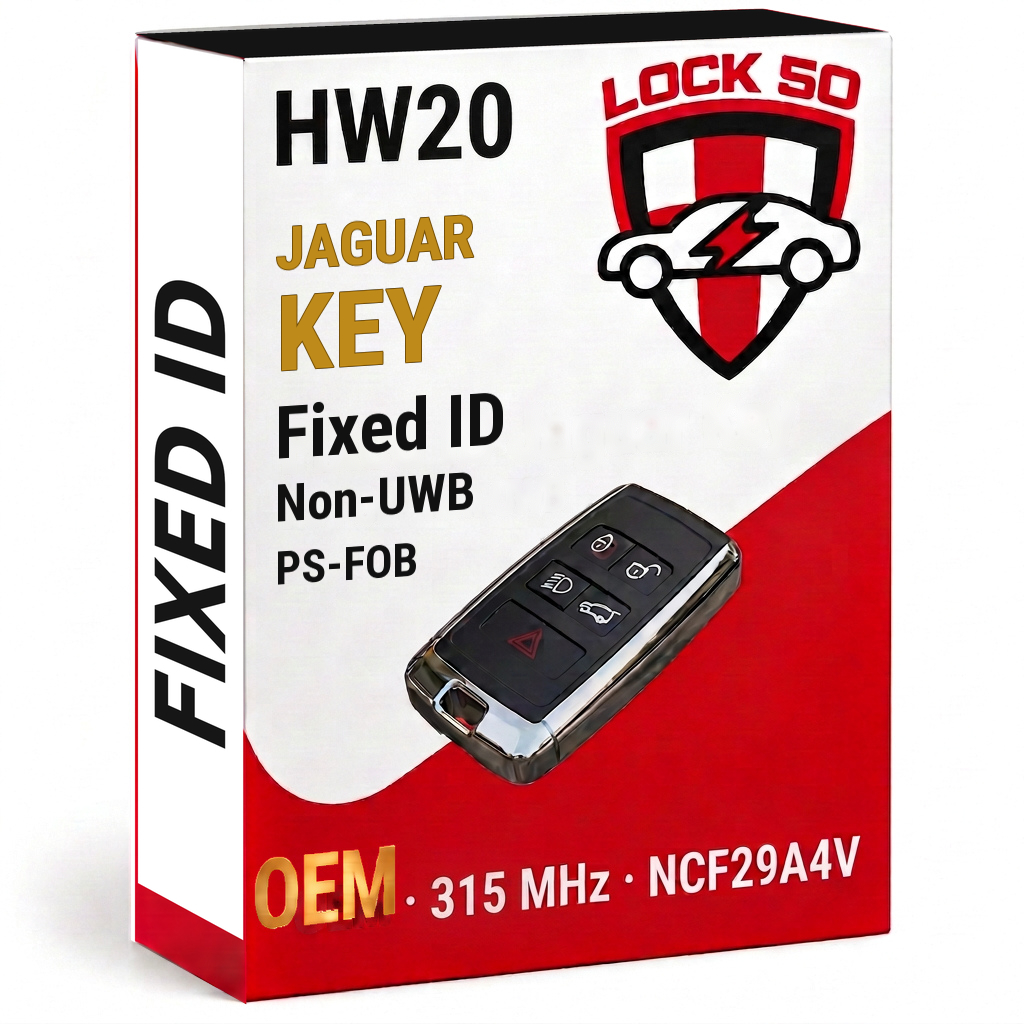
On an unlocked RFA without UWB, choose a compatible HW15–HW20. HW15/HW16 and HW19/HW20 are OEM non-UWB keys; HW17/HW18 are non-OEM keyless-entry/start keys without automatic approach/walk-away. For a supported locked-EVA2 RFA, use the two-detected-keys or active-service-mode condition in the table. With UWB still on, the separate cheaper HW17/HW18 key-3 route requires SW36 copying first and confirmation that Check Keys detects two working keys together. New-RFA non-UWB learning remains a separate UWB-off route.
RFA OEM UWB learning keys
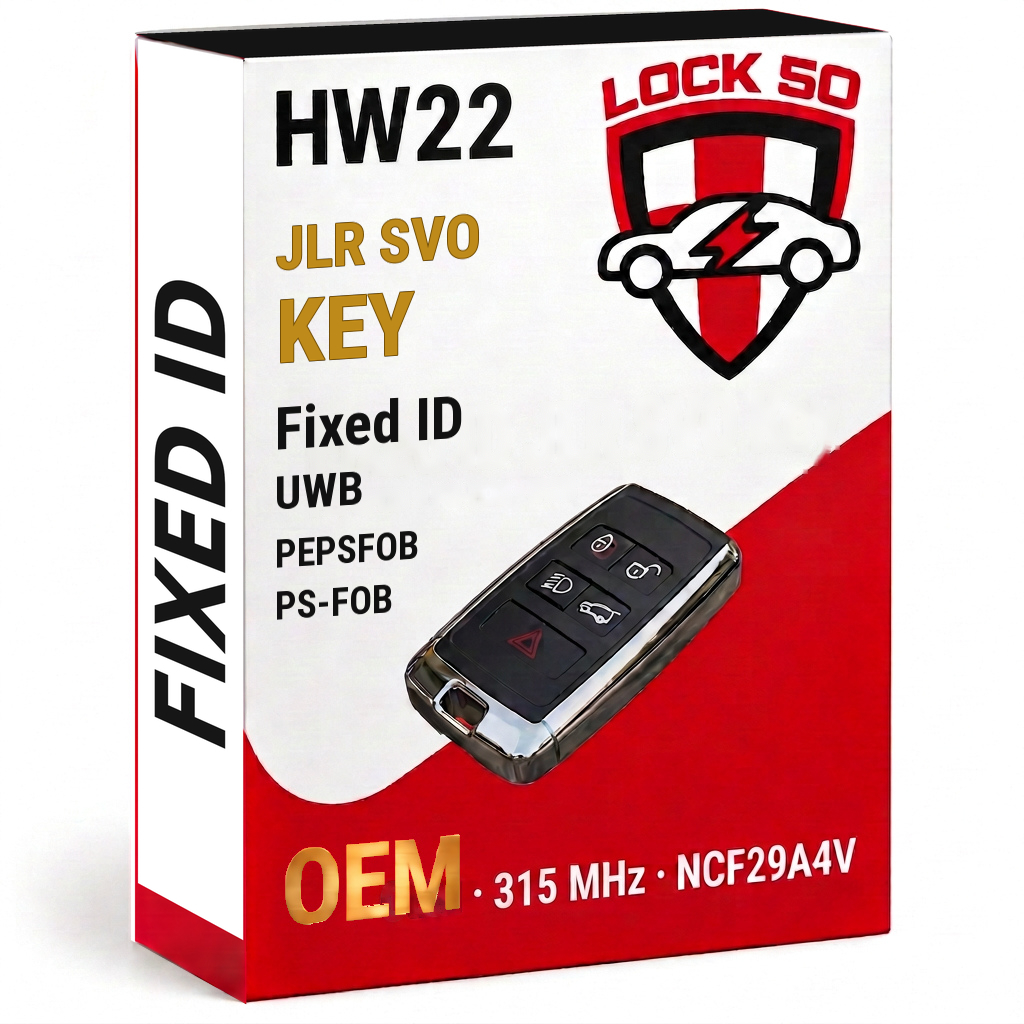
For an unlocked RFA with UWB, choose compatible OEM HW21–HW26. If the vehicle has automatic approach unlocking and walk-away locking, choose compatible OEM CTO HW27/HW28 to retain those functions. On supported locked EVA2, the same vehicle-matched choices can be learned when the car detects two working keys together OR service mode is active. A compatible standard OEM UWB HW21–HW26 can also be learned on a CTO-equipped EVA2 vehicle using service mode: only that new key lacks walk-away locking; existing CTO keys retain it. Door-handle-button and fob-button locking remain available on the learned standard OEM UWB key.



RFA non-OEM CTO learning keys
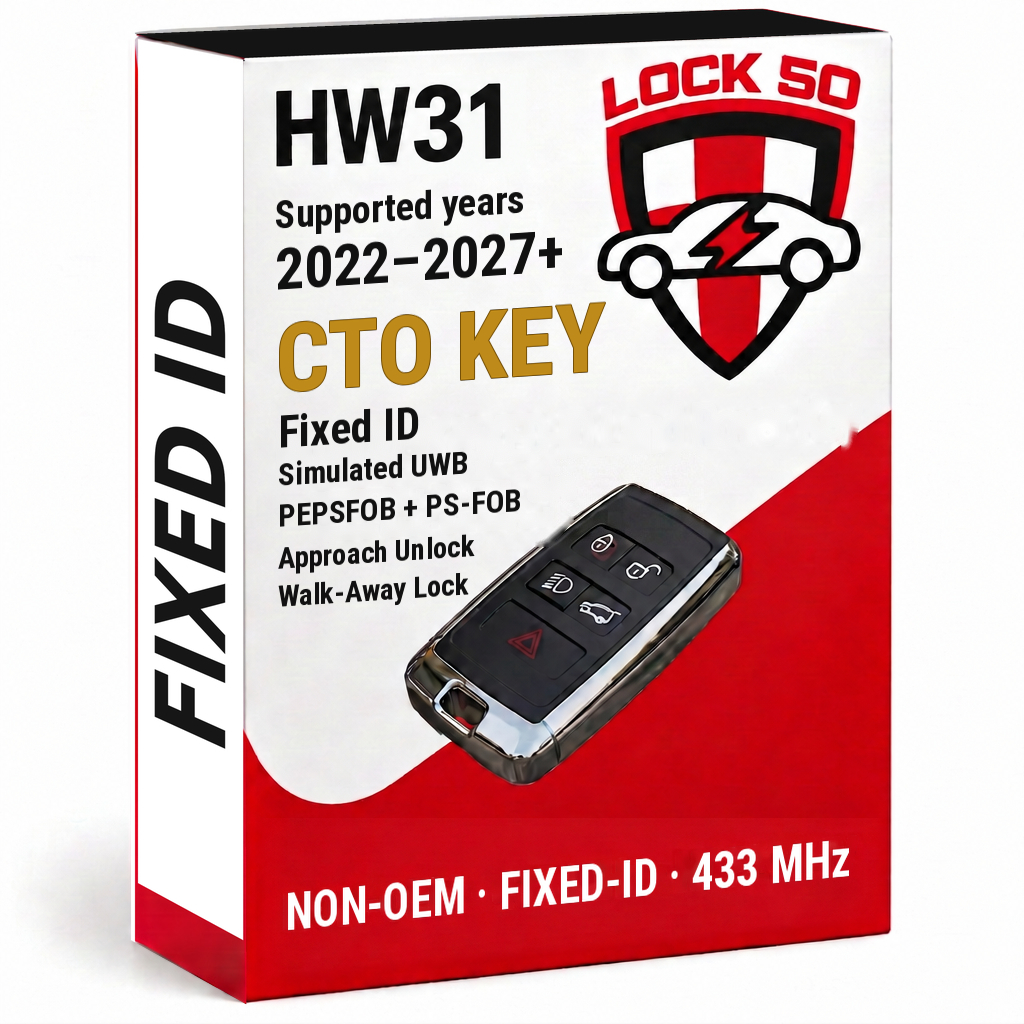
HW31/HW32 are non-OEM fixed-ID simulated-UWB CTO keys. On supported locked EVA2, the catalogue route requires SW36 copying first, followed by the eligible SW30 learning procedure. Automatic approach/walk-away also requires compatible vehicle hardware and enabled functions.

Keep copying and learning separate: HW13/HW14 and HW29/HW30 are Change-ID keys for the supported SW36 copying route, not the fixed-ID SW30 learning keys shown here. HW11/HW12 are Defender ALM dump-copy keys, not this OBD-learning route.
Vehicle gates still apply: supported locked-EVA2 direct learning requires two working keys detected together by RFA Check Keys, or active service mode. Service mode does not waive key/UWB compatibility or the specific copy-first routes above. With a secure gateway, SW30 cannot be used unless the required TOPIx access work has been completed first; do not assume the token provides that access. Unlocked-module learning follows its normal supported requirements. Existing licence, token allowance and activation limits are unchanged.
Ordering and activation
- Check the module condition, then select the locked-EVA2 or unlocked-KVM/RFA job with the 1-key or 2-key allowance for one vehicle. The allowance does not override available key slots or the specific key-3 restriction.
- Select Job Urgency and enter the existing HW04-PAYG serial to activate. Confirm that this is a PAYG tool.
- The standard option uses 24-hour notice, Monday to Friday, UK time 9am–5pm. Faster options match SW36: 12-hour notice +£50, 1-hour notice during those hours +£100, or 1-hour notice outside business hours +£200, all ex-VAT.
- Wait for activation confirmation before starting. The 24-hour use window begins at activation, not at order placement. Ordering notice and the use window are separate.
- Run the relevant vehicle/key checks and the SW30 OBD learning procedure. Check each learned key's supported start, remote and keyless functions before handing the vehicle back.
Token limits
The token is charged/consumed on activation, not only on job success. It is for one vehicle and the purchased key allowance, within the activation window. Failed retries do not consume a successful-key allocation, but they do not extend the window. An expired activation requires a new token. Tokens are non-refundable under the existing token terms; no unlimited use or permanent SW30 licence is included.
Why use SW30?
Where the vehicle supports direct learning, choose a compatible lower-cost key or an appropriate OEM key for your customer. Key compatibility and supported functions come first: no claim that every key works on every supported vehicle, and no guaranteed saving on every job. Physical keys are purchased separately.
JLR Tools
